

Compare WD Internal HDD Color Drives: Which One Is Right for You?
Western Digital (WD) is one of the most trusted names in data storage, and its color-coded internal hard drives make it easier for users to choose the right drive for their needs. From everyday computing to gaming, surveillance, and enterprise use, each WD color drive is designed for a specific workload.
In this guide, we’ll compare WD Blue, Green, Black, Red, Purple, and Gold HDDs, highlighting their features, performance, and ideal use cases so you can make an informed decision.
Why Does WD Use Color-Coded HDDs?
WD color drives are designed to simplify the buying process. Each color represents a specific workload, performance level, and reliability standard. Choosing the wrong drive can lead to reduced performance or even drive failure over time, so understanding the differences is essential.
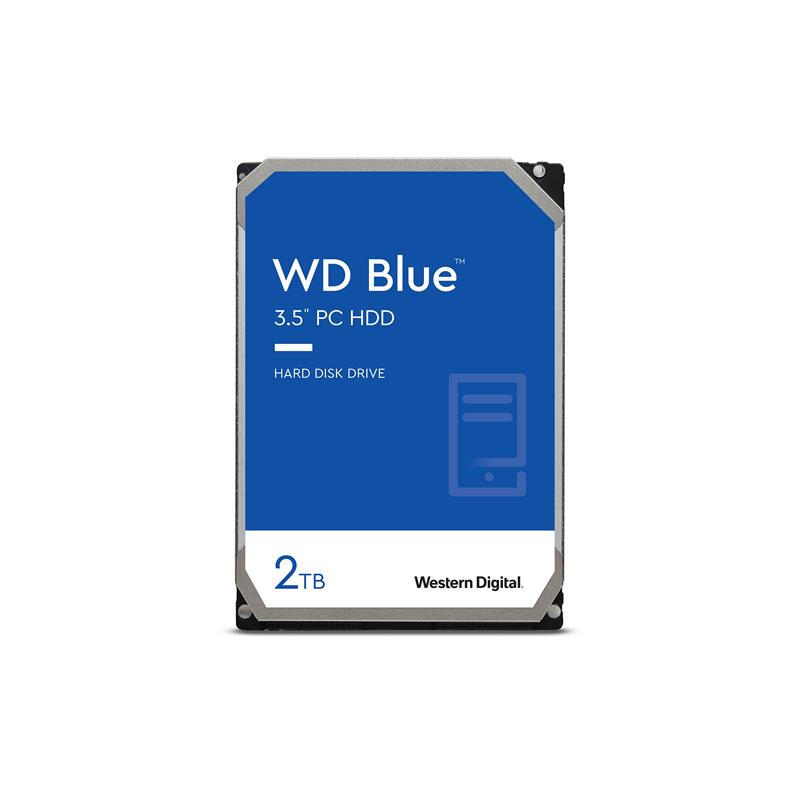
WD Blue HDD – Best for Everyday Use
Best for: Home and office PCs, general storage, casual users
Key Features:
- Balanced performance and reliability
- Available in multiple capacities
- Affordable price point
- Designed for daily computing tasks
Pros:
- Great value for money
- Reliable for basic workloads
- Quiet operation
Cons:
- Not ideal for heavy workloads or gaming
Verdict: WD Blue is perfect for users who need dependable storage for documents, media files, and everyday applications.
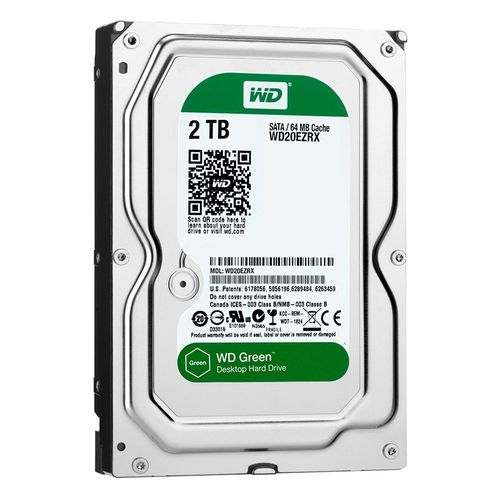
WD Green HDD – Energy Efficient Storage
Best for: Secondary storage, low-power systems
Key Features:
- Low power consumption
- Reduced heat and noise
- Budget-friendly option
Pros:
- Energy efficient
- Affordable
- Suitable for backup storage
Cons:
- Lower performance compared to other WD drives
- Not recommended as a primary OS drive
Verdict: WD Green works best as a secondary or backup drive rather than for performance-intensive tasks.
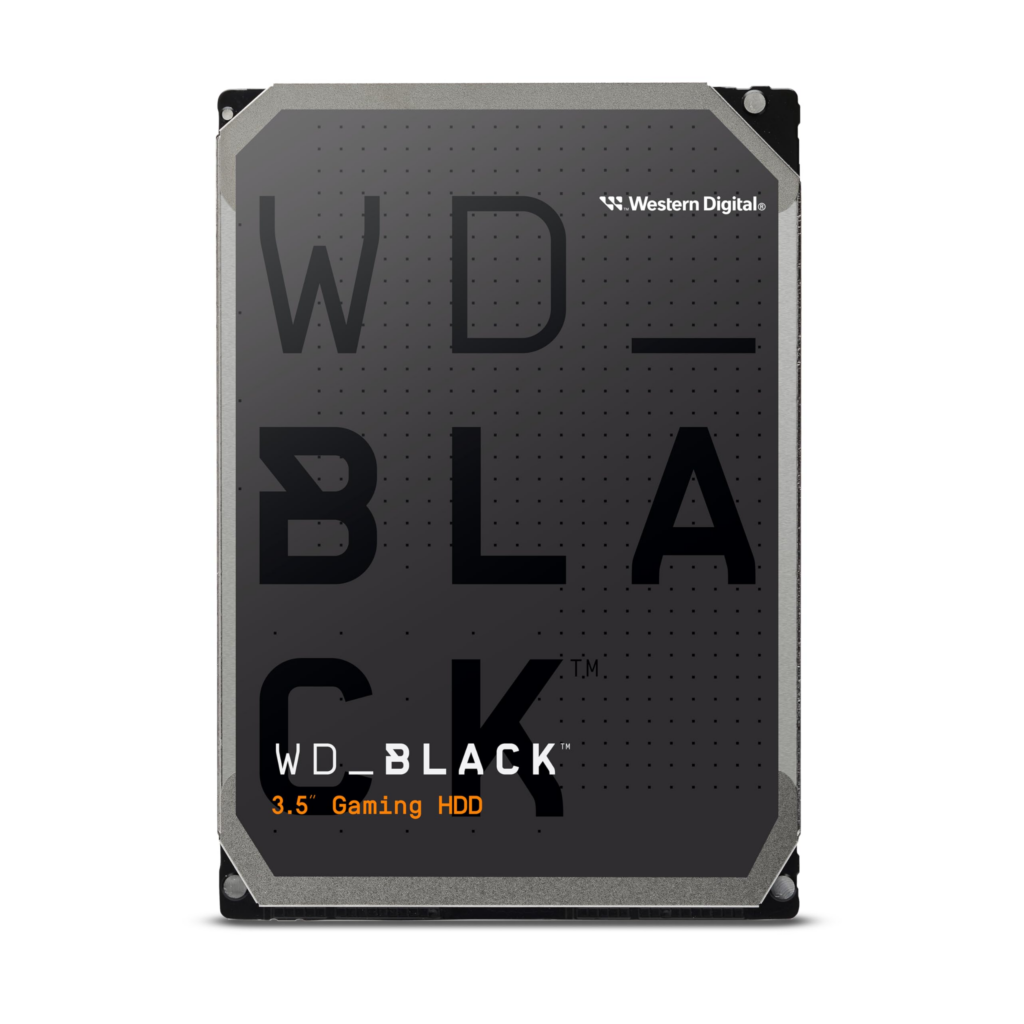
WD Black HDD – High Performance Powerhouse
Best for: Gaming PCs, content creators, performance enthusiasts
Key Features:
- High RPM for faster data access
- Large cache sizes
- Built for demanding workloads
Pros:
- Excellent performance
- Ideal for gaming and editing
- Long lifespan
Cons:
- Higher price
- More power consumption
Verdict: WD Black is the go-to choice if performance is your top priority and budget is not a concern.
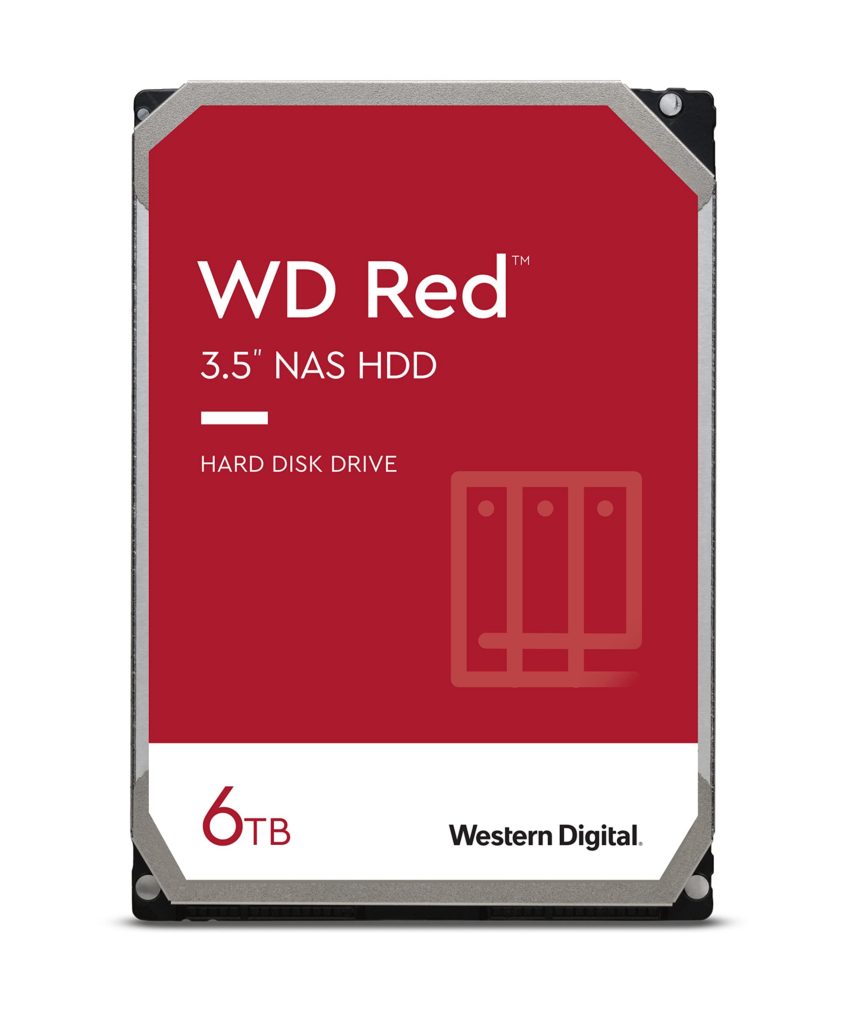
WD Red HDD – NAS Optimized Storage
Best for: NAS systems, small offices, home servers
Key Features:
- Optimized for 24/7 operation
- NASware technology
- Designed for RAID environments
Pros:
- Reliable for continuous use
- Reduced vibration
- Ideal for network storage
Cons:
- Not designed for desktop performance
Verdict: WD Red is perfect for NAS users who need reliability and uptime rather than raw speed.
WD Purple HDD – Surveillance Storage Solution
Best for: CCTV and surveillance systems
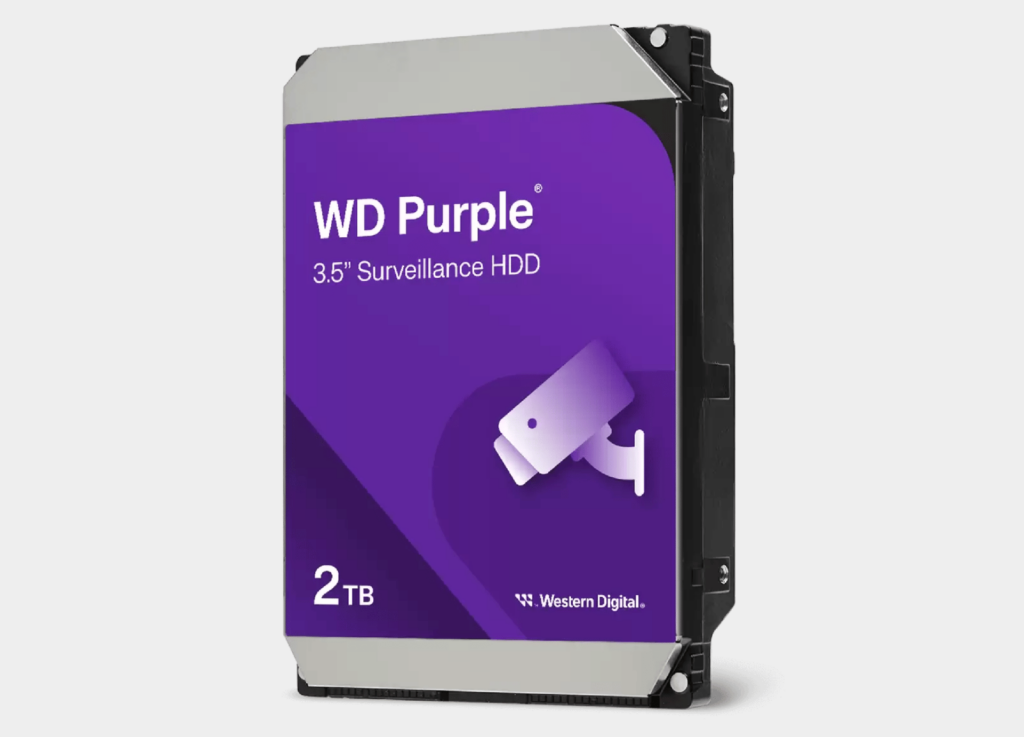
Key Features:
- Optimized for continuous video recording
- Supports multiple HD camera streams
- Reduced frame loss
Pros:
- Excellent for security systems
- Handles nonstop workloads
- High durability
Cons:
- Not suitable for general PC use
Verdict: WD Purple is purpose-built for surveillance and should only be used in security environments.
WD Gold HDD – Enterprise-Grade Performance
Best for: Data centers, enterprise servers, mission-critical systems
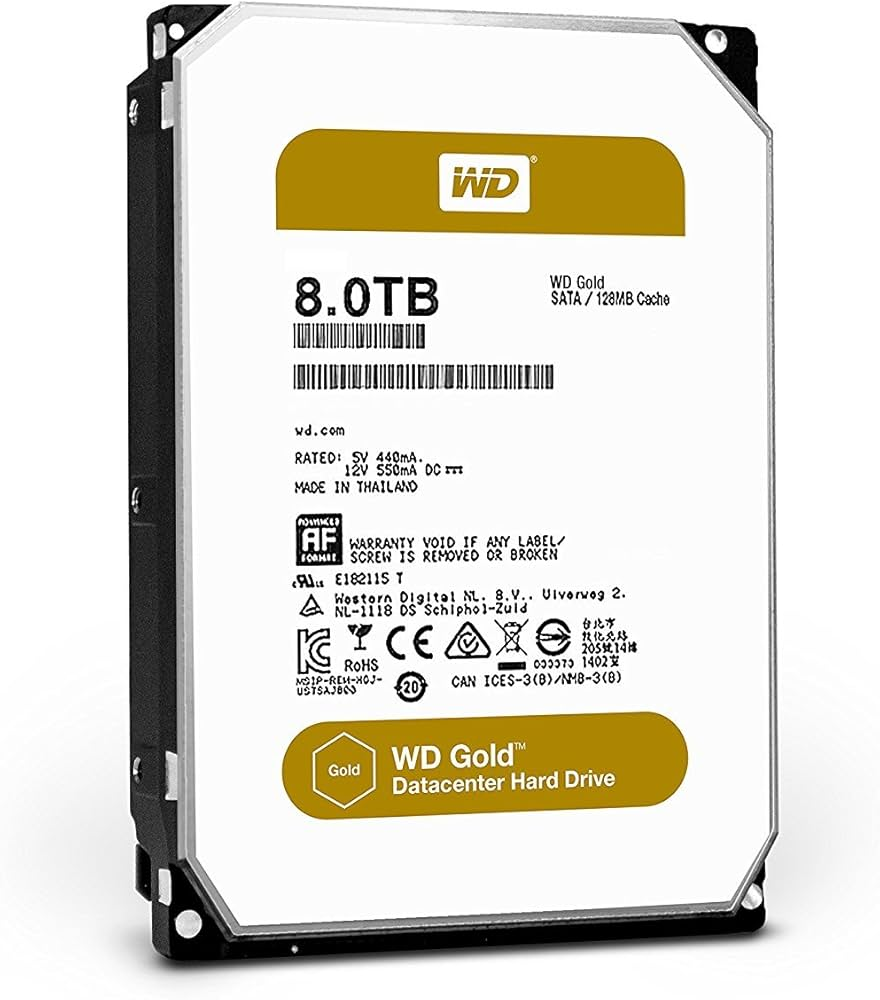
Key Features:
- Enterprise-class reliability
- Designed for heavy workloads
- Advanced vibration protection
Pros:
- Extremely durable
- High workload rating
- Ideal for professional environments
Cons:
- Expensive
- Overkill for home users
Verdict: WD Gold is best reserved for enterprise and professional use where reliability is critical.
Quick Comparison Table
| WD Color | Best Use Case | Performance | Power Efficiency |
|---|---|---|---|
| Blue | Everyday PCs | Medium | Medium |
| Green | Backup Storage | Low | High |
| Black | Gaming & Editing | High | Low |
| Red | NAS Systems | Medium | Medium |
| Purple | Surveillance | Medium | Medium |
| Gold | Enterprise | Very High | Medium |
How to Choose the Right WD HDD
Ask yourself these questions:
- Is this for daily use, gaming, NAS, or surveillance?
- Do I need performance or energy efficiency?
- Will the drive run 24/7?
- What is my budget?
Choosing the correct WD color ensures better performance, longer lifespan, and fewer problems in the long run.
Final Thoughts
WD internal HDD color drives are designed with specific users in mind. Whether you’re building a gaming PC, setting up a NAS, or managing surveillance footage, there’s a WD drive that fits your needs perfectly.
Quick Recommendation:
- Everyday PC → WD Blue
- Gaming & performance → WD Black
- NAS storage → WD Red
- Surveillance → WD Purple
- Enterprise → WD Gold